Barco ClickShare C10
One-Click Wireless Presentation for Any Room
Stop fighting with cables. The Barco ClickShare C10 allows anyone to share their screen to the room display in seconds with the simple, iconic ClickShare Button. It's fully BYOD (Bring Your Own Device) compatible, supporting Airplay, Google Cast, and Miracast, and even allows for interactive features like touchback and annotation.

Key Specifications
Wireless presentation made simple for any meeting room
Output Resolution
4K UHD (3840x2160) @ 30Hz
Crystal-clear presentations
Sharing Method
1x ClickShare Button (USB-C) included
One-click wireless sharing
BYOD Support
Airplay, Google Cast, Miracast
Any device, any platform
Interactivity
Touchback, Annotation, Blackboarding
Collaborate in real-time
Connectivity
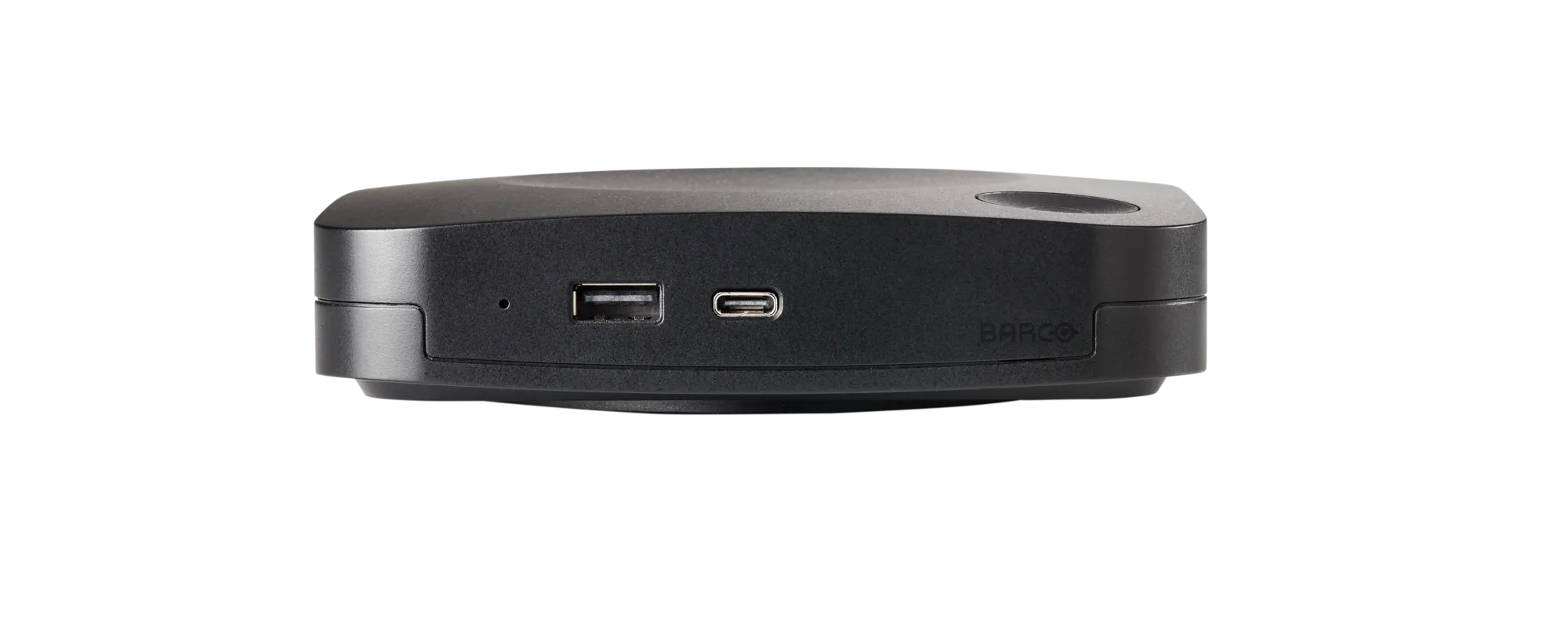
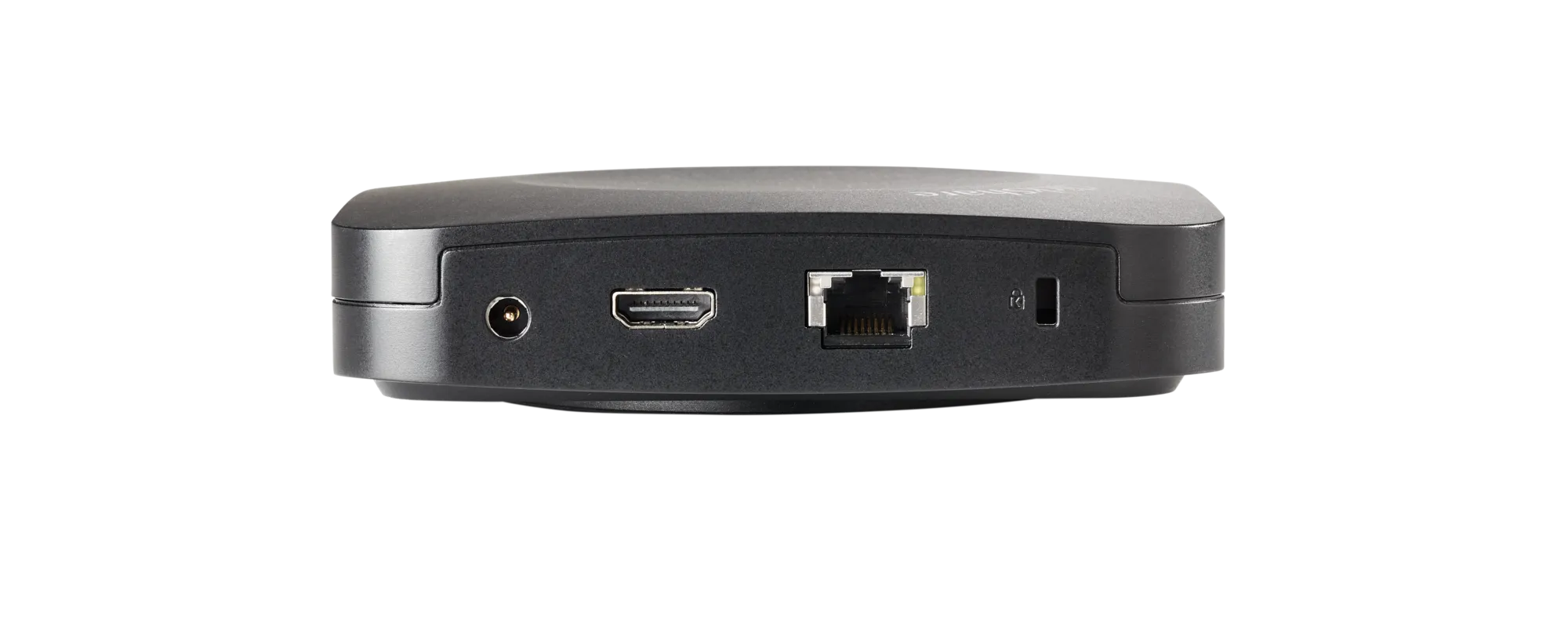
HDMI Out, USB-A, USB-C, LAN
Flexible connection options
Simultaneous Sharing
Up to 2 users on one screen
Compare and collaborate
Product Gallery
Key Features
Everything you need for effortless wireless presenting
One-Click Sharing
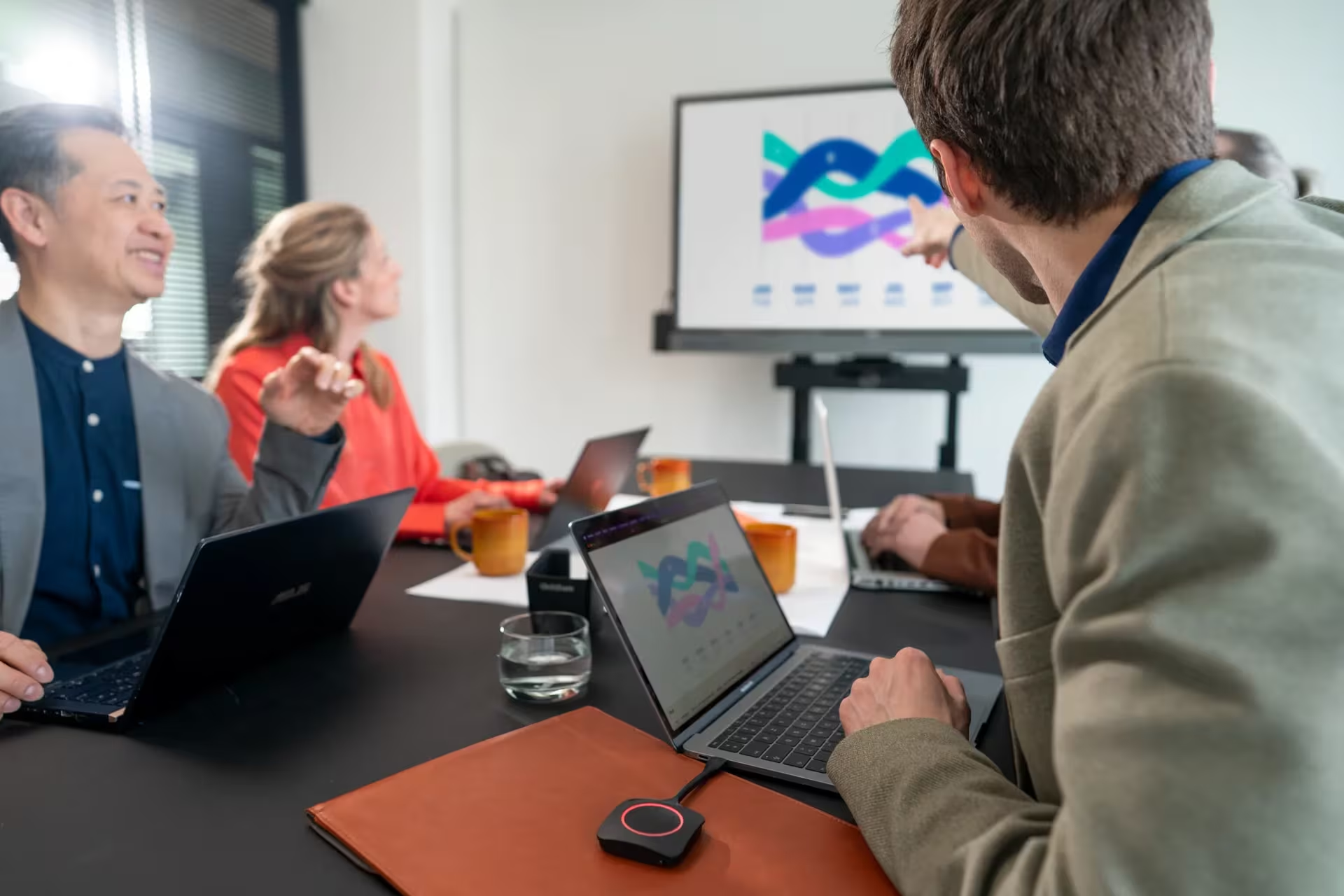
Simply click the iconic ClickShare Button and your screen appears on the room display. No software, no setup, no hassle.
BYOD Compatible
Use your own device with built-in support for Airplay (Apple), Google Cast (Android), and Miracast (Windows).
4K Ultra HD
Present in stunning 4K resolution (3840x2160 @ 30Hz) for crystal-clear images, videos, and presentations.
Interactive Features
Touchback support lets you control your laptop from the room's touch display. Annotate and blackboard for real-time collaboration.
Dual Sharing
Up to 2 users can share their screens simultaneously on one display, perfect for comparison and collaboration.
Enterprise Security
WPA2 encryption, network integration, and enterprise-grade security features protect your sensitive information.
How It Works
Plug the Button
Connect the ClickShare Button to your laptop via USB-C or USB-A
Click to Share
Press the button and your screen instantly appears on the room display
Present & Collaborate
Present, annotate, and collaborate with your team wirelessly
Complete Technical Specifications
| Specification | Details |
|---|---|
| Output Resolution | 4K UHD (3840x2160) @ 30Hz |
| Included Accessories | 1x ClickShare Gen2 Button (USB-C) |
| Additional Buttons | Supports up to 64 buttons (sold separately) |
| BYOD Support | Airplay (Apple), Google Cast (Android), Miracast (Windows) |
| Interactivity | Touchback support, Annotation, Blackboarding |
| Simultaneous Shares | Up to 2 users on one screen |
| Video Output | 1x HDMI Out |
| USB Ports | 1x USB-A, 1x USB-C (for Button charging) |
| Network | Ethernet (LAN), Wi-Fi 802.11ac |
| Security | WPA2 encryption, Network integration, Enterprise security |
| Room Size | Small to medium meeting rooms (2-8 people) |
| Platform Support | Windows, macOS, iOS, Android, Chrome OS |
| Dimensions (Base Unit) | 143mm x 138mm x 30mm |
| Power | External power adapter (included) |
Say Goodbye to Cable Chaos
Transform your meeting rooms with effortless wireless presentation. Contact us for pricing and installation.